Turn your handwriting into a clean digital page
Free. Your photo never leaves your device: it's cleaned up right here in your browser.
or drop them here. Up to 5 pages, as one journal. A flat page, in good light, works best.
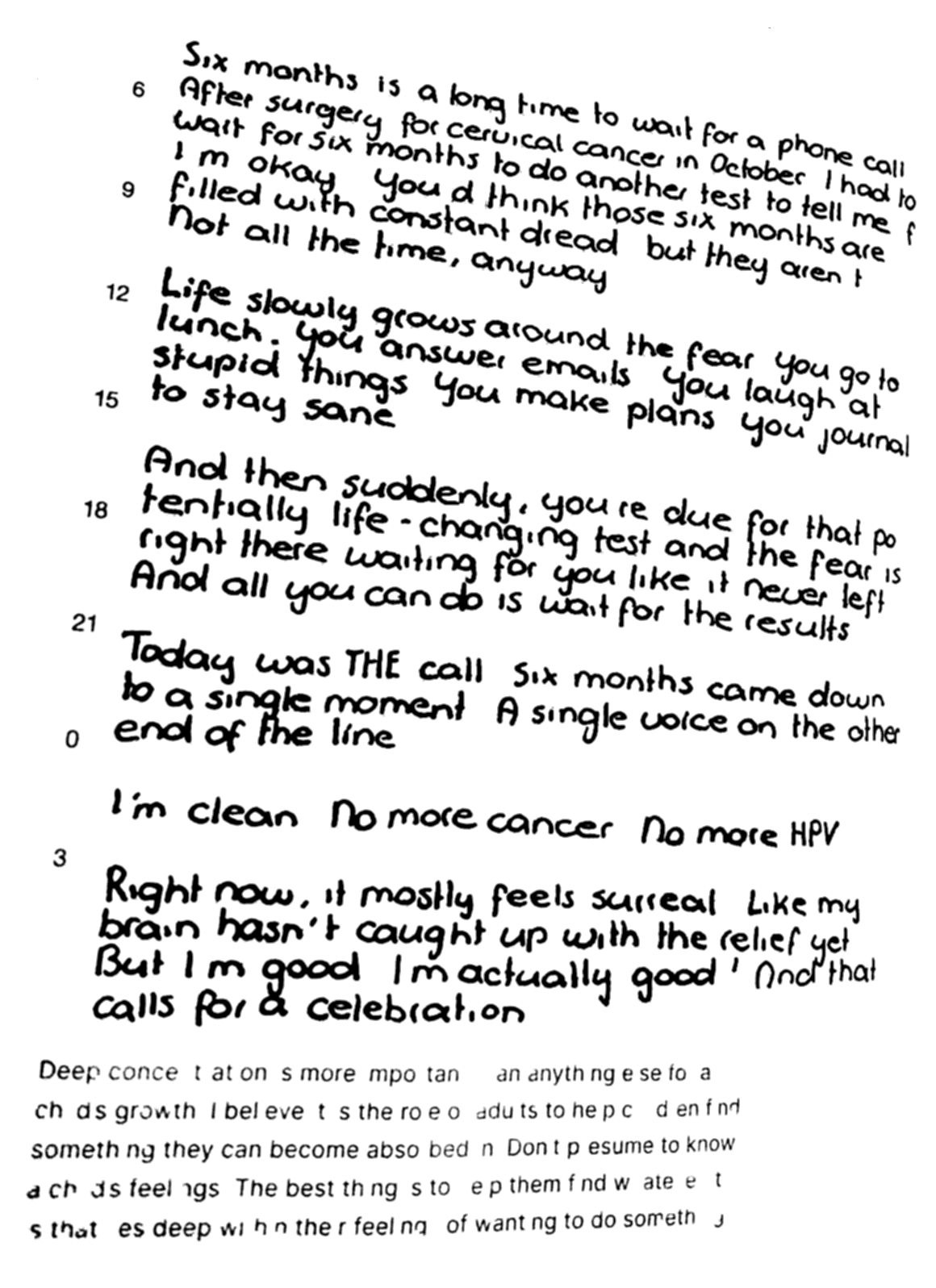
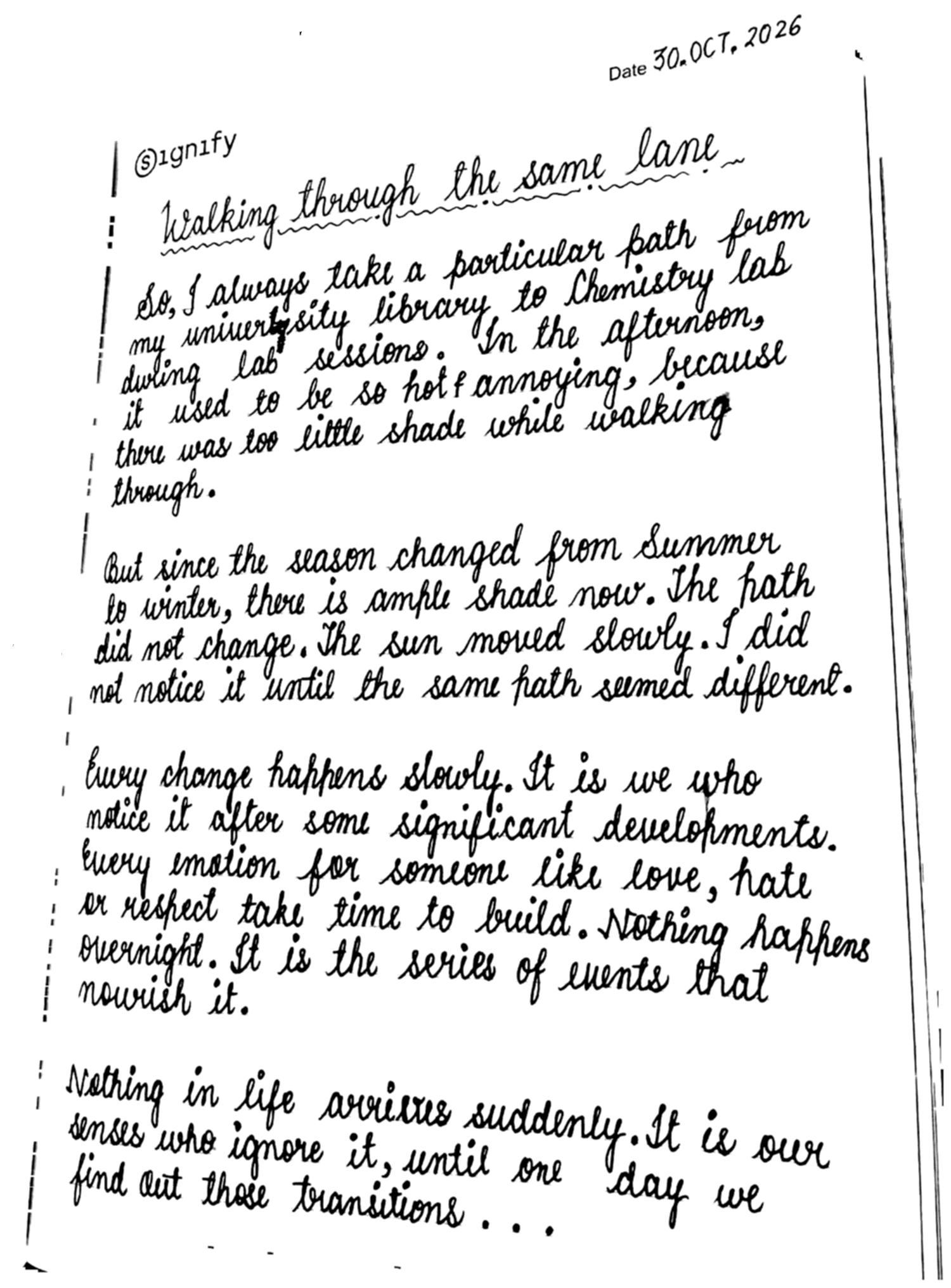
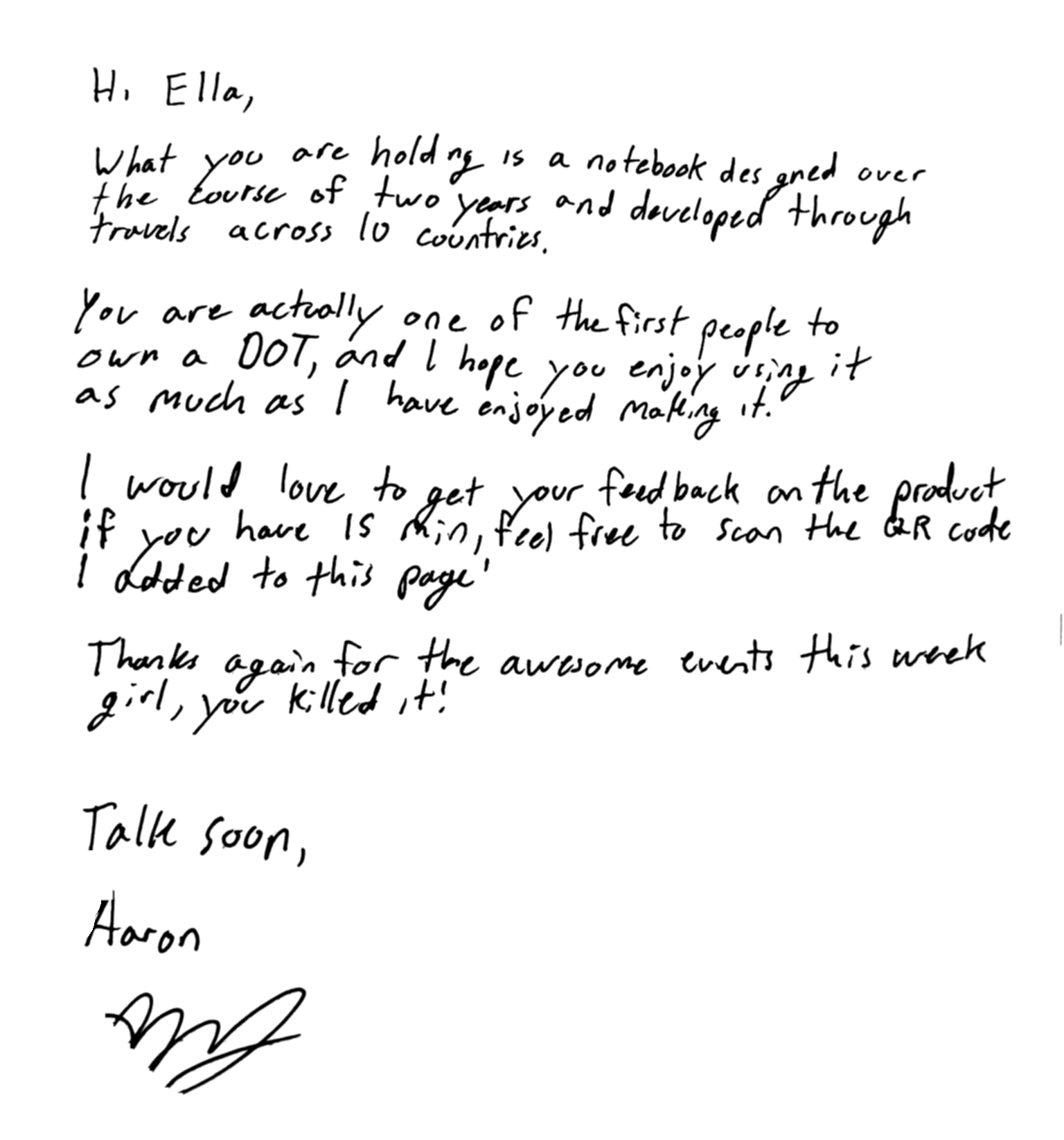
The wall
Pages people have written by hand and shared.
How it works
1. Choose your photos
Any handwritten page, or up to five of them: dotted, lined or plain paper, pen or pencil. The flatter the page and the better the light, the cleaner it comes out.
2. The ink is lifted off
Your browser finds the ink and leaves everything else behind. Crop the result, rub out a stray mark, then pick a paper and an ink colour.
3. Keep it or share it
Download a picture to post or keep, or publish it and get a link to share. Several pages are published as one journal, to turn through page by page.
Questions
How do I turn handwritten notes into a digital page?
Take a photo of the page, as flat and as evenly lit as you can, and choose it above. The ink is lifted off the paper in a few seconds. Crop the result or rub out a stray mark if you need to, pick a paper and an ink colour, then download the image.
Is my photo uploaded anywhere?
No. The clean-up runs in your browser, on your phone or computer, so your photo never leaves your device. Only if you press Publish is the cleaned page uploaded, and then it's shown on the public wall with its own link.
Does it work with lined or dotted paper, and with pencil?
Yes. The printed lines and dots of a notebook are much fainter than ink, so they're left out, and so are fingers, shadows and whatever is around the page. For light pencil, move Catch faint ink towards More.
Does it turn my handwriting into typed text?
No. It keeps your handwriting as handwriting, just cleaner. To turn a handwritten page into typed text you can edit, use Scan Handwriting in the WOYM journal app.
Is it free?
Yes. There is no account to make and no limit on downloads.
Keep your handwriting with your journal
In the WOYM app, write by hand with your finger or Apple Pencil, and it's kept as handwriting, right next to the rest of your journal.