Blog · November 27, 2026 · 8 min read
The Best Journal App for iPad
WOYM on iPad: a free private diary you can type in, talk to, or write in by hand with Apple Pencil, synced with your iPhone and Mac.
The best journal app for iPad depends on how you write. If you write by hand with an Apple Pencil, you want an app that keeps your handwriting as handwriting. If you type, you want room for long entries, photos and search. And if you also use an iPhone, you want one journal on both. WOYM is a free journal and diary app for iPad that does all three: type, talk, or write by hand with Apple Pencil, in one private journal that syncs with your iPhone and Mac.
I make WOYM, so read the comparison with that in mind. Below: what the iPad app looks like, what’s free, how it handles Apple Pencil, and how it compares with Apple Journal, Day One and the other diary apps for iPad.
What to look for in a journal app for iPad
An iPad is a big screen with a pen. A good journal app uses both:
- Handwriting that stays handwriting. A page you write with Apple Pencil should stay your handwriting in the journal, not be flattened into a picture you can never find again.
- A layout made for the screen. Entries that open beside the list, and text that doesn’t stretch across the whole width.
- Search that finds words, including the ones you wrote by hand.
- A lock. An iPad is often shared at home. Face ID or Touch ID should guard the diary.
- Sync with your iPhone. Many people jot on the phone and write long entries on the iPad. Both should show the same journal.
- A free plan that isn’t a trial. Check what the free plan leaves out before you write a hundred entries in it.
A tour of WOYM, the diary app for iPad
Write by hand with Apple Pencil
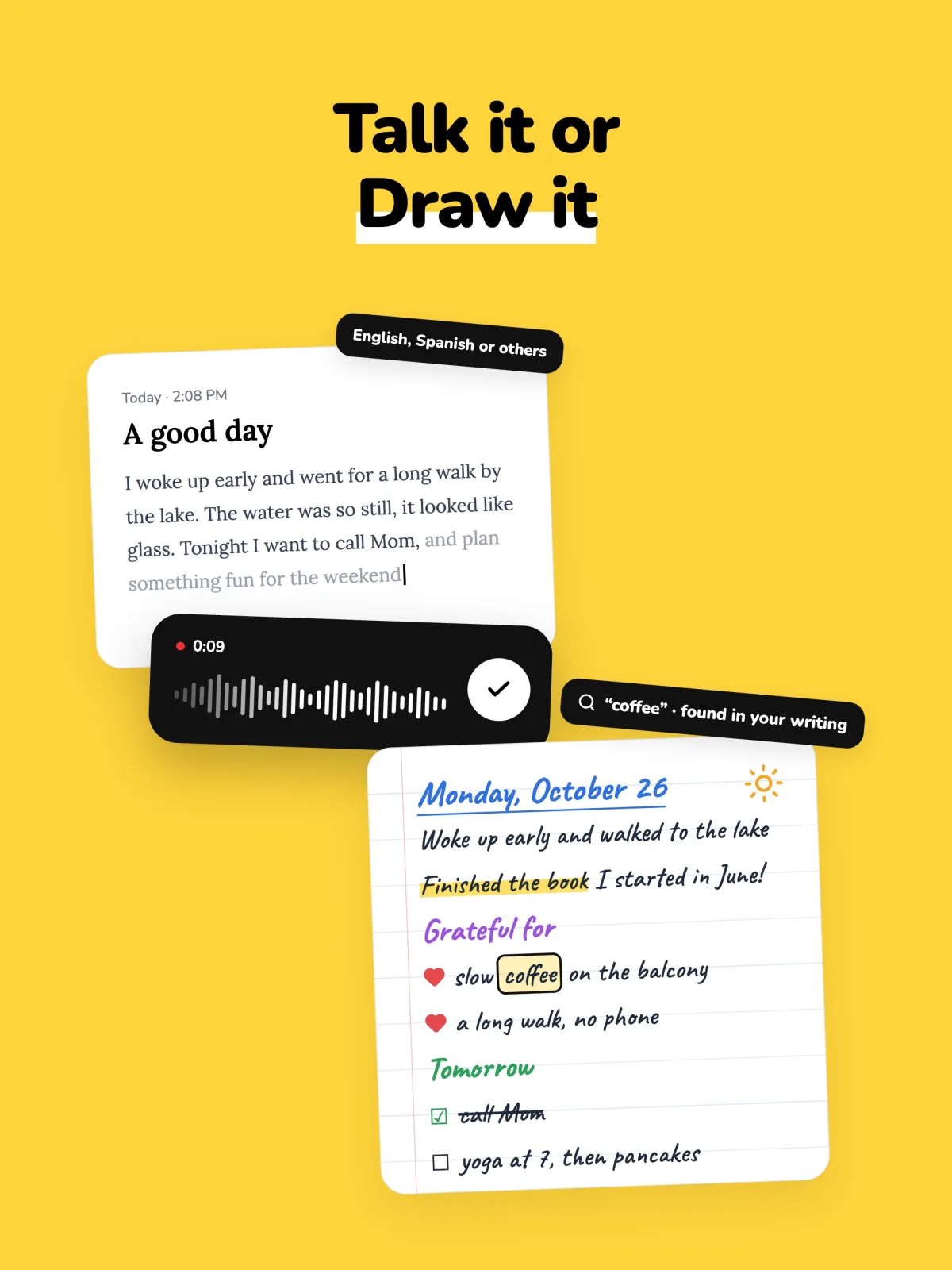
This is why many people look for an iPad journaling app with Apple Pencil. In WOYM’s entry editor, Write by Hand has a button of its own on the iPad. Tap it and you get a ruled page built on Apple’s PencilKit, with pens, colors and an eraser. The page saves itself as you write and stays an image of your own handwriting, sitting in the entry beside your typed words, photos and voice notes.
Once a page is saved, WOYM reads it, so searching your journal for “coffee” finds the page where you wrote it. You never see typed text in place of your writing; the words are only there so the page can be found. I wrote up how it works for the curious. Writing new pages by hand is part of Premium. Pages you already wrote always stay yours to open. A handwritten journal on paper? Scan Handwriting (Premium) turns a photo into typed text, and the free handwriting tool cleans one up as an image.
Talk instead of type
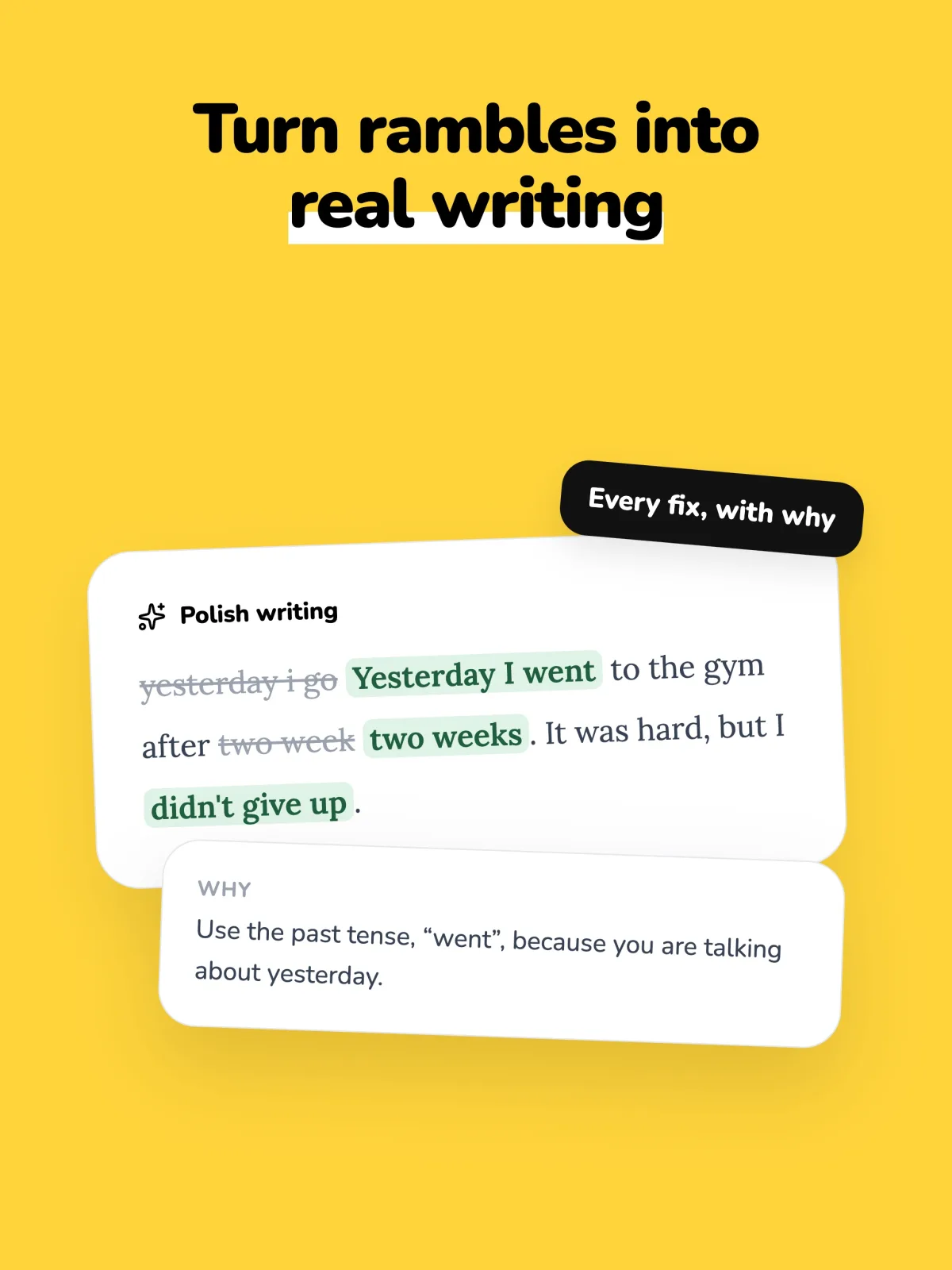
Premium adds dictation: tap the microphone and talk, and WOYM types it in English, Spanish and other languages. Polish Writing, also Premium, fixes grammar and shows why it changed each thing.
Moods, prompts and your month
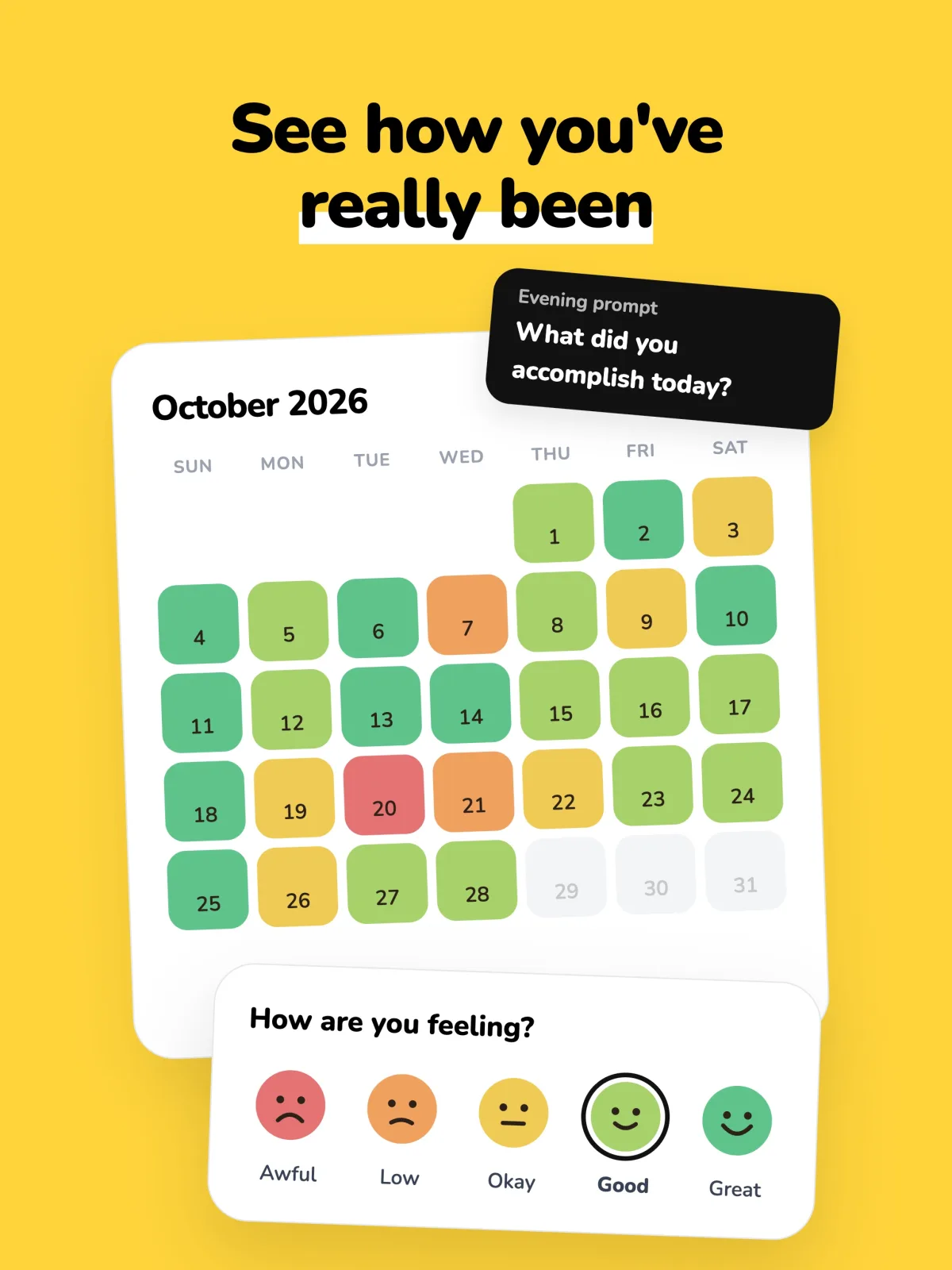
Each entry can carry a mood, from Awful to Great. The calendar colors every day by how it felt, so a bad week or a good month shows at a glance. Every new entry starts with a morning or evening question for the days when nothing comes; there are more in our journal prompts.
Make every entry yours
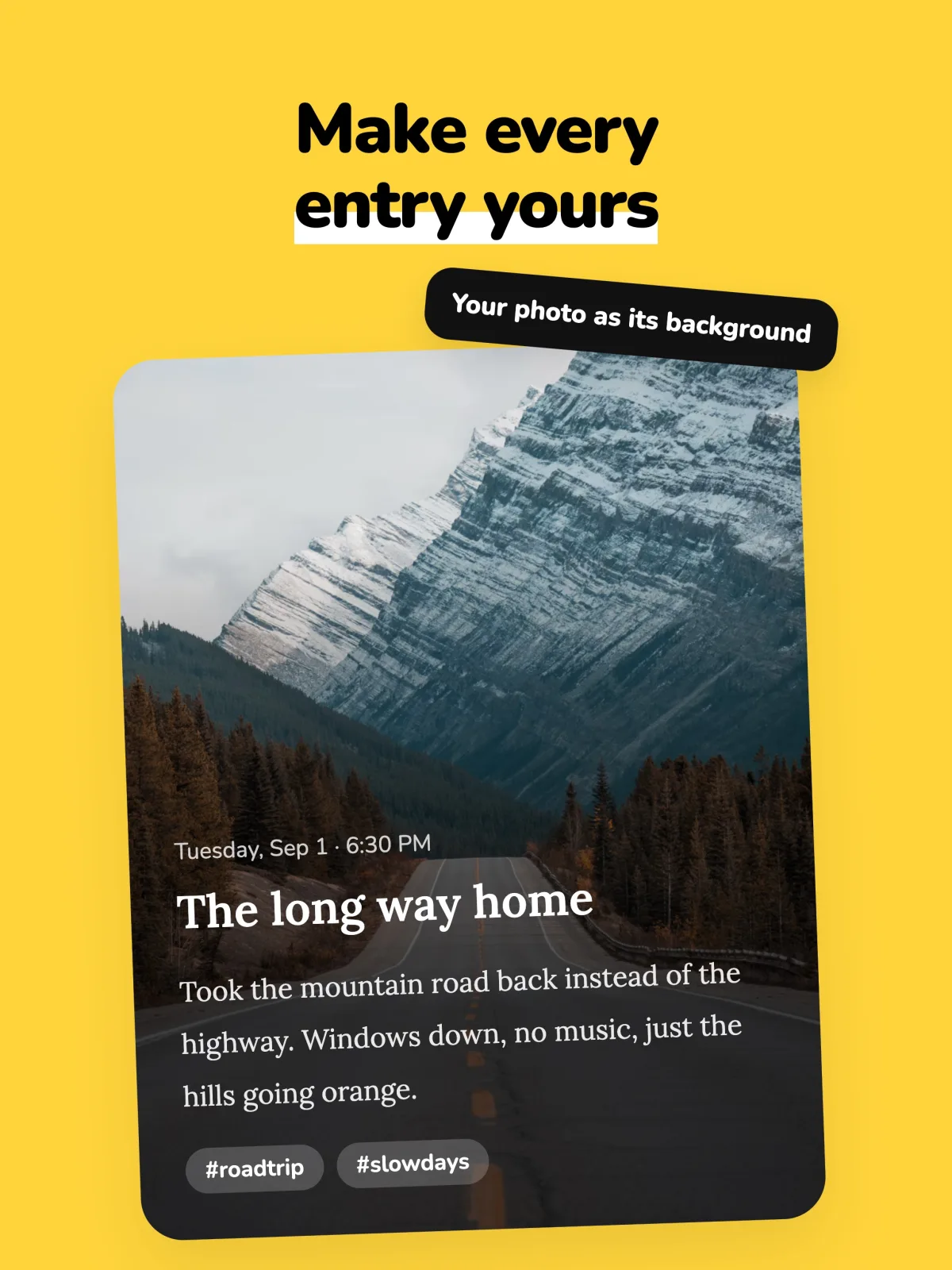
Put a photo behind an entry as its background, add tags and places, and attach photos, videos and voice notes. The photo you took on the trip can be the page you write about the trip on.
Your Journal, on Your iPad
Free, with unlimited entries and no account. On iPhone and Mac too.
Habits, todos and sharing one day
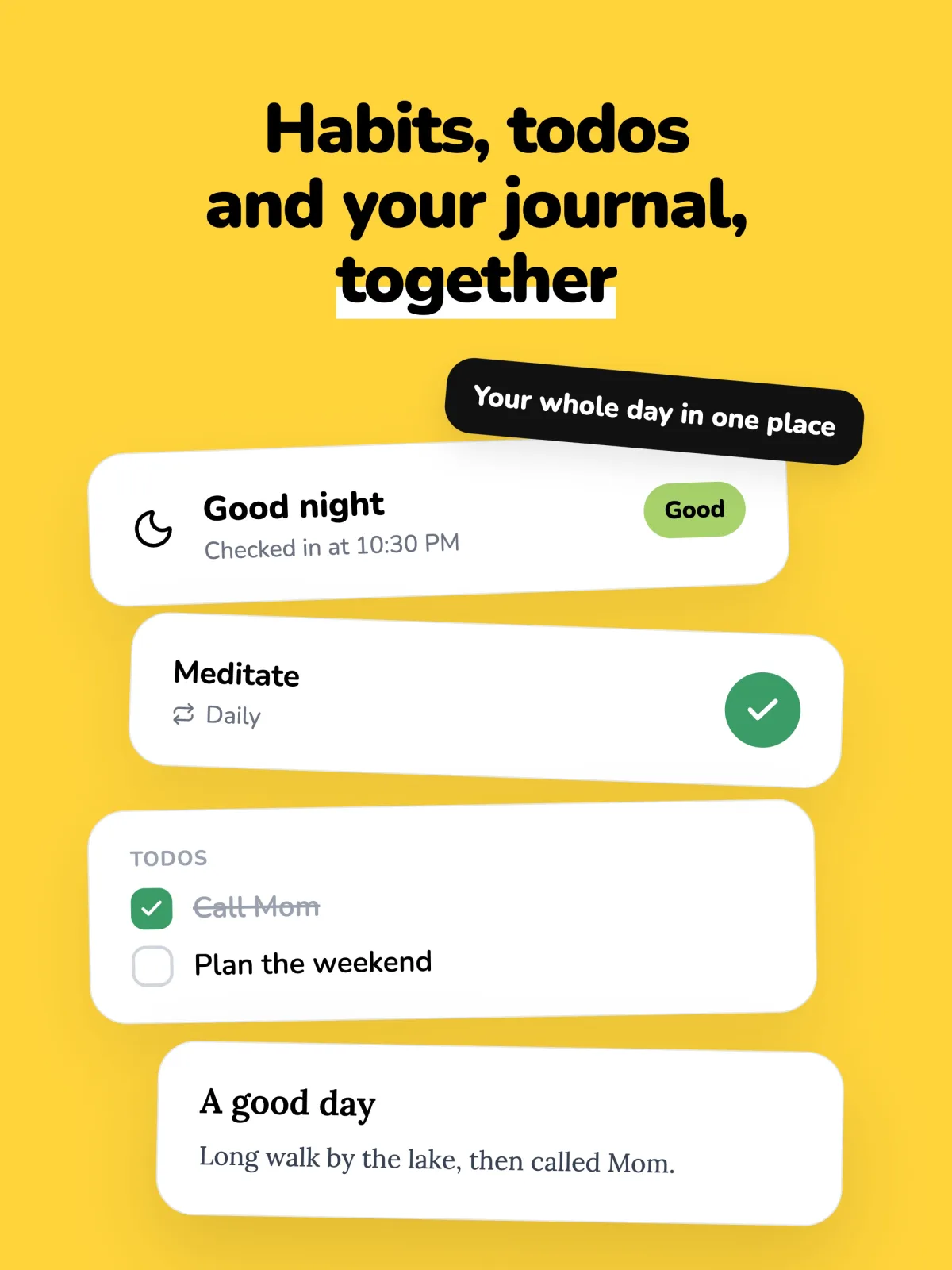
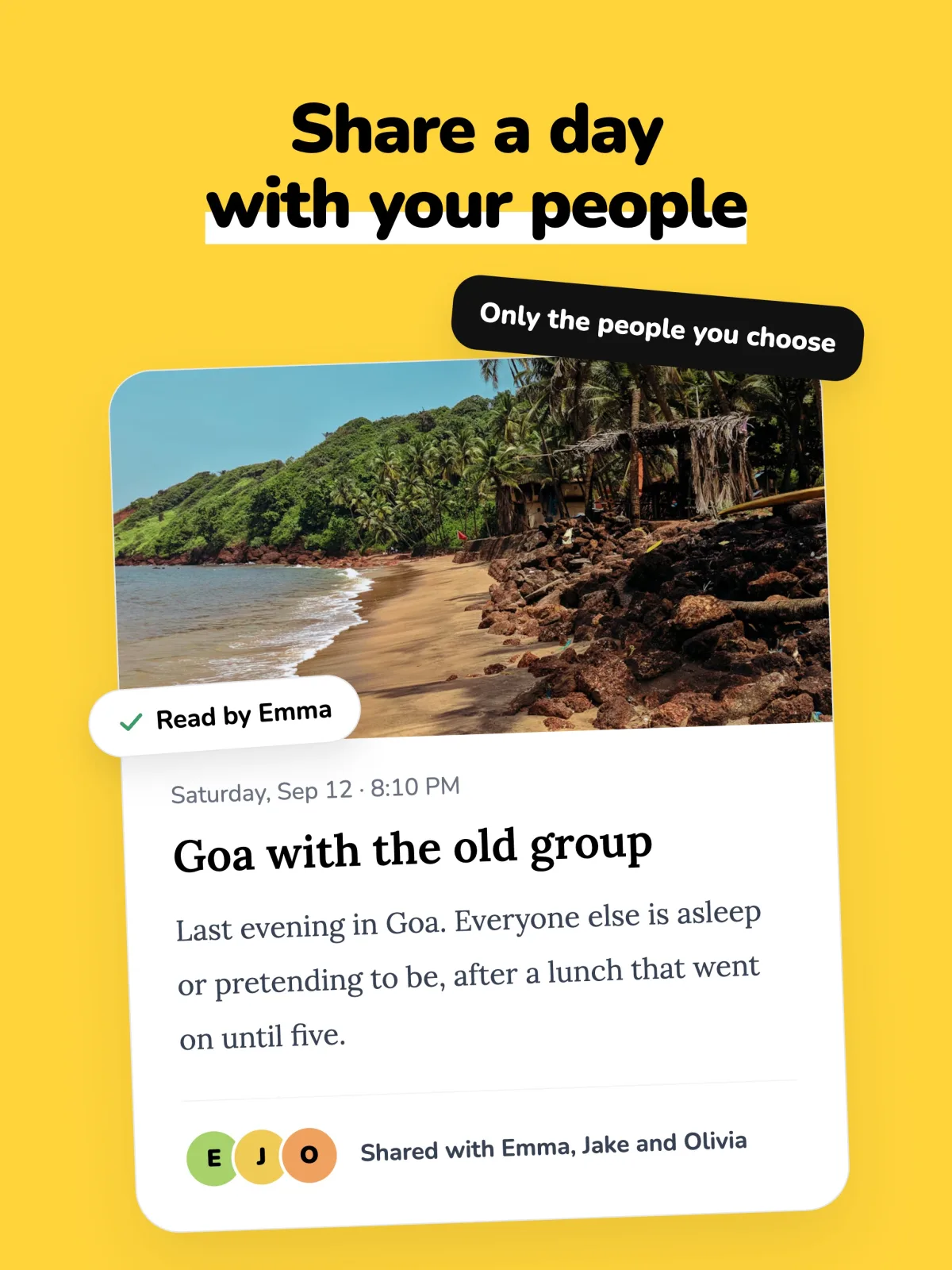
Daily and weekly habits and todos with reminders sit with your journal, so the day is one screen, not three apps. Sharing is for single entries, never the whole journal: pick the people, and you can see when they’ve read it. Sharing is part of Premium.
A private diary on your iPad
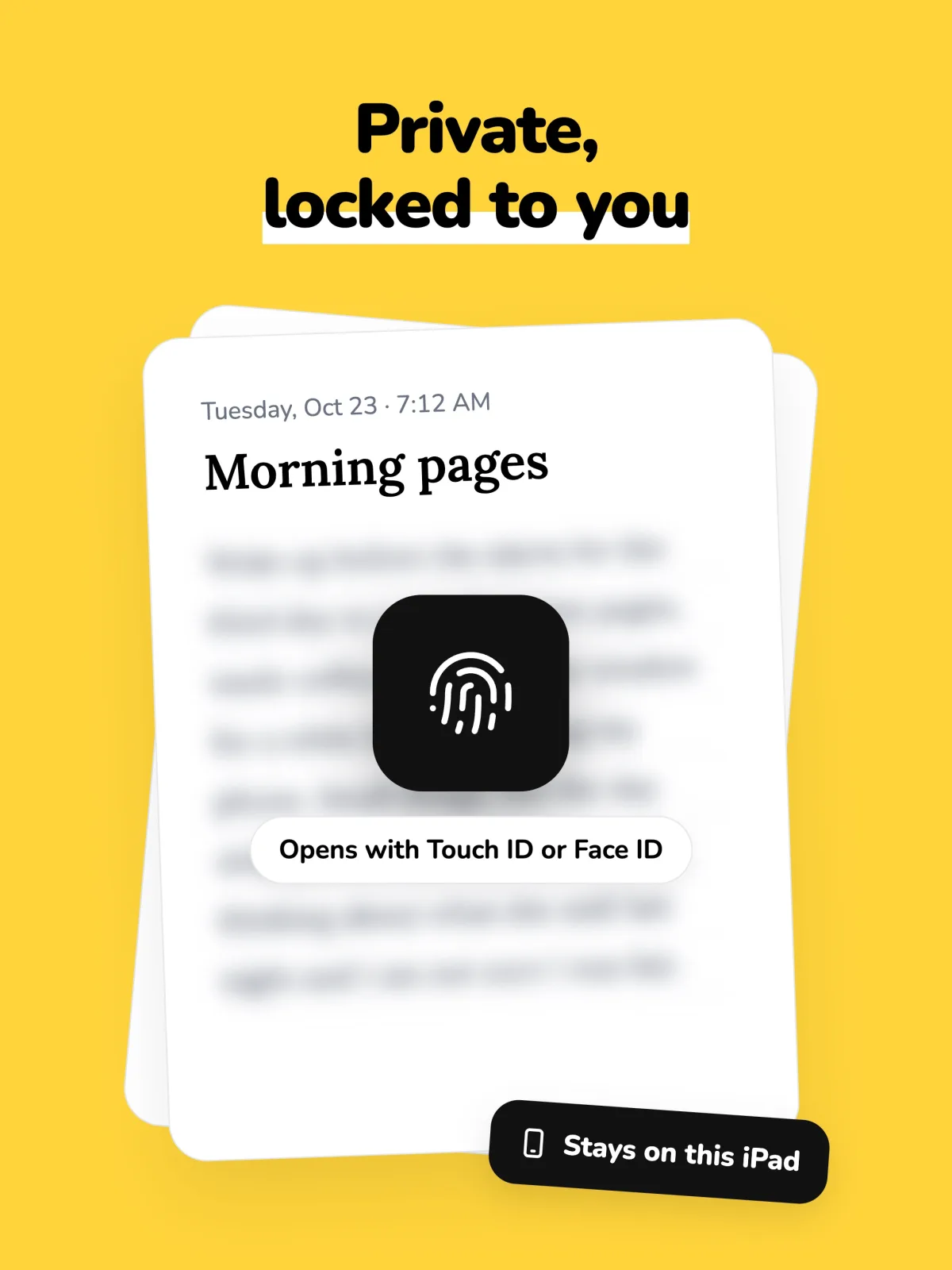
You don’t need an account to start. On the free plan your journal stays on the iPad. Turn on App Lock and WOYM opens only with Face ID or Touch ID, so a tablet left on the couch doesn’t mean a read diary.
There are no ads and your entries aren’t used to train AI. With Premium sync you can turn on end-to-end encryption: your entries, photos, voice notes and handwritten pages are encrypted on your devices, with a key only they hold. Your iPad gets the key through iCloud Keychain. Here is how the encryption works. AI features such as dictation and Polish Writing send what they work on to be processed, and don’t store it.
One journal on your iPad, iPhone and Mac
WOYM is one App Store purchase, free, for iPhone, iPad and Mac. With Premium, your journal backs up and syncs between them and the web at woym.app: a line on your phone at lunch, a long entry on the iPad in the evening, all in one place. Without Premium, each device keeps its own journal. WOYM also has apps for Android and Windows, which Apple Journal doesn’t.
Moving from another app? WOYM imports your Apple Journal export for free, and with Premium your Day One journal, or Notion and Obsidian notes. You can export any entry, or the whole journal, if you leave.
The best free journal app for iPad, compared
There’s no single best journal app for iPad. Here is the short, honest version:
| App | Price | On the iPad | Worth knowing |
|---|---|---|---|
| WOYM | Free. Premium is optional | Made for iPad, with Apple Pencil handwriting | Unlimited entries, photos and voice notes free, no account. Sync, handwriting, dictation, encryption and the web with Premium. |
| Apple Journal | Free | Built in, from iPadOS 26 | Suggests moments from your photos and places, and syncs through iCloud. Apple devices only. |
| Day One | Basic is free; Silver $49.99 a year; Gold $74.99 | An iPad app | Polished, on every platform. The free plan is one device; sync needs Silver. |
| Journey | Free plan is writing only | Works on iPad | Covers many platforms. Cloud sync is paid. |
| Diarium | A one-time purchase per platform | Supports iPad | No subscription. You buy it again for each platform. |
| Daylio | Free, with a Premium upgrade | Runs on iPad | Quick mood and activity logs rather than long entries. |
| GoodNotes, Notability | See their App Store pages | Made for iPad and Apple Pencil | Excellent handwriting notebooks, but not journals: no moods, prompts or memories. |
If you use only Apple devices and your iPad runs iPadOS 26, Apple Journal is free and already there. If you want AI help and pay yearly, Day One is worth a look. If you want free unlimited entries, Apple Pencil pages kept as handwriting beside typed text, and a journal that also works on Android and Windows, that’s WOYM. The catch: writing by hand is Premium, and so is sync. For more, see Apple Journal vs Day One, WOYM vs the others and the best journal and diary apps. See the free diary app guide for what stays free. Prices were checked in November 2026.
What’s free and what costs
Free: unlimited entries, photos, videos and voice notes, moods, habits, todos, search, tags, App Lock, light and dark mode, and importing from Apple Journal. Premium adds sync, the web version, end-to-end encryption, sharing, dictation, Polish Writing, Scan Handwriting, writing by hand with Apple Pencil, and imports from Day One, Notion and Obsidian. The yearly plan on iPhone and iPad starts with a 3-day free trial, once per Apple ID. Prices for your country are in the pricing section.
Start journaling on your iPad
- Get WOYM on the App Store. It’s free and works on iPad.
- Open it and tap to start an entry. Answer the question, or ignore it.
- Want to write by hand? Tap Write by Hand and pick up your Apple Pencil.
New to journaling? Read how to start a journal, or try a gratitude journal, dream journal or travel journal. Questions? See the FAQ or help.
Questions people ask
What is the best journal app for iPad?
It depends on how you write. Apple Journal is free and built in from iPadOS 26. Day One is the most polished paid option. WOYM is free with unlimited entries, lets you write by hand with Apple Pencil (Premium), and syncs with your iPhone and Mac.
What is the best free journal app for iPad?
WOYM's free plan has no limit on entries, photos, videos or voice notes and needs no account. Apple Journal is free too, on iPadOS 26 or later. Day One's free plan covers one device.
Is there an iPad journaling app that works with Apple Pencil?
Yes. In WOYM, Write by Hand opens a ruled page for Apple Pencil. The page stays your handwriting inside the entry, and searching a word finds it. Writing new pages is part of Premium, with a 3-day free trial on the yearly plan.
Is Apple Journal on iPad?
Yes, since iPadOS 26. On older versions of iPadOS it isn't available.
Does Day One work on iPad?
Yes, Day One has an iPad app. The free Basic plan is limited to one device; syncing needs Silver at $49.99 a year.
Can I use a handwritten journal on iPad?
Yes. Write by Hand keeps pages as handwriting in your journal. GoodNotes and Notability are good handwriting notebooks, but they aren't journals with moods, prompts and memories.
Does my iPad journal sync with my iPhone?
Yes, with WOYM Premium your journal syncs between iPad, iPhone, Mac and the web. Sign in with the same account on each device.
Is my diary private on the iPad?
On the free plan it stays on the iPad, and App Lock opens it only with Face ID or Touch ID. With Premium sync you can add end-to-end encryption.
WOYM on your other devices: Mac, Apple Watch, Android and Windows.